> For the complete documentation index, see [llms.txt](https://docs.globo.io/llms.txt). Markdown versions of documentation pages are available by appending `.md` to page URLs; this page is available as [Markdown](https://docs.globo.io/askly-customer-surveys/where-surveys-appear/channels/audience-and-frequency.md).
# Choose who sees a survey and how often
Choose which customers see a survey, how often, and which survey wins when two share a place.
Open a survey, go to **Channels**, and pick a place. These settings work for each place on its own.
## Choose who sees it
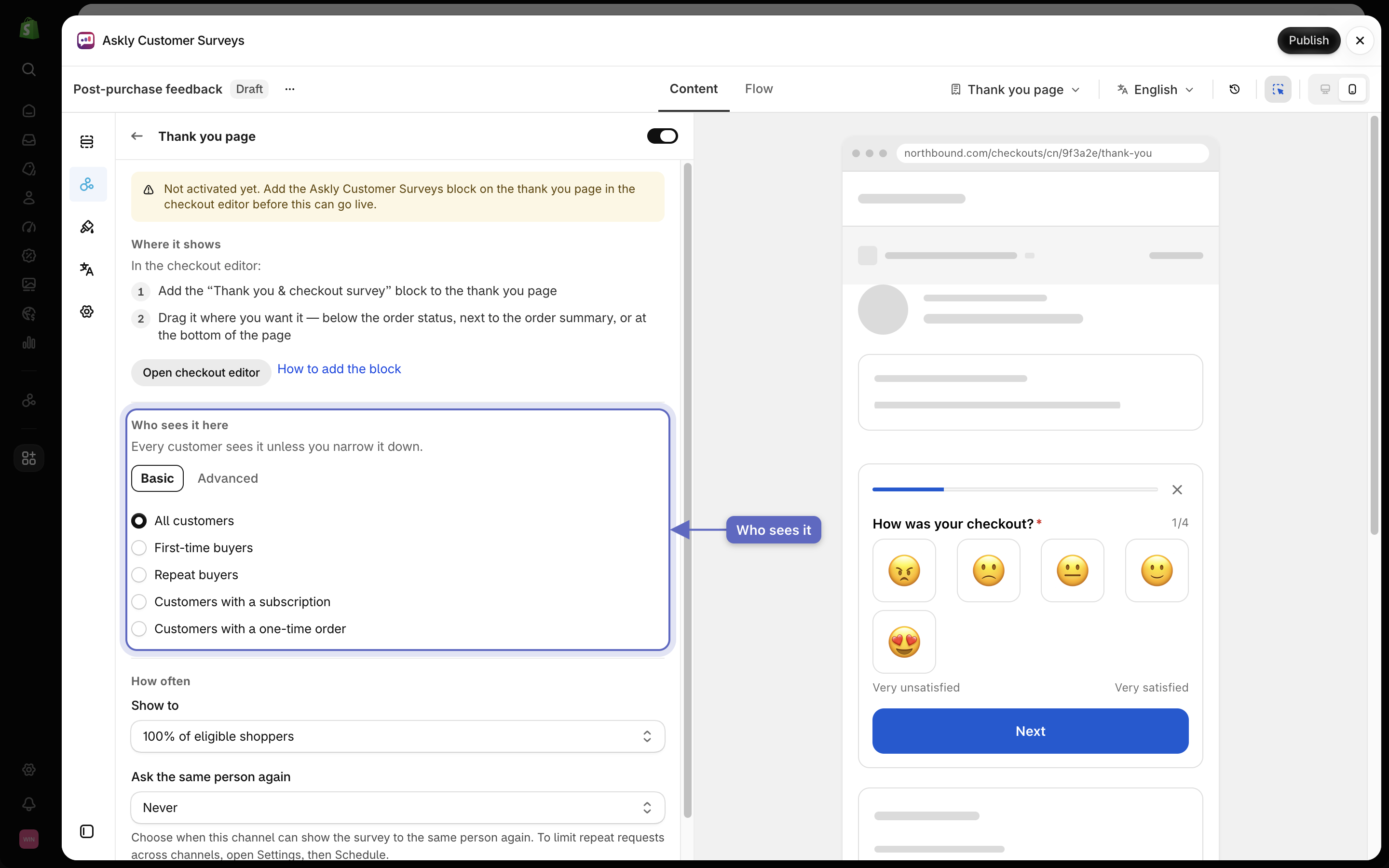
Most places have a **Who sees it here** setting (for the post-purchase email, **Who gets it**). Keep everyone, or pick a group such as **First-time buyers** or **Repeat buyers**. On the online store the groups are visitors, such as **Returning visitors**.
**Embed in email** and **Standalone page** have no audience setting.
Who sees it here narrows a place to a group of customers.
## Choose how often
Under **How often**:
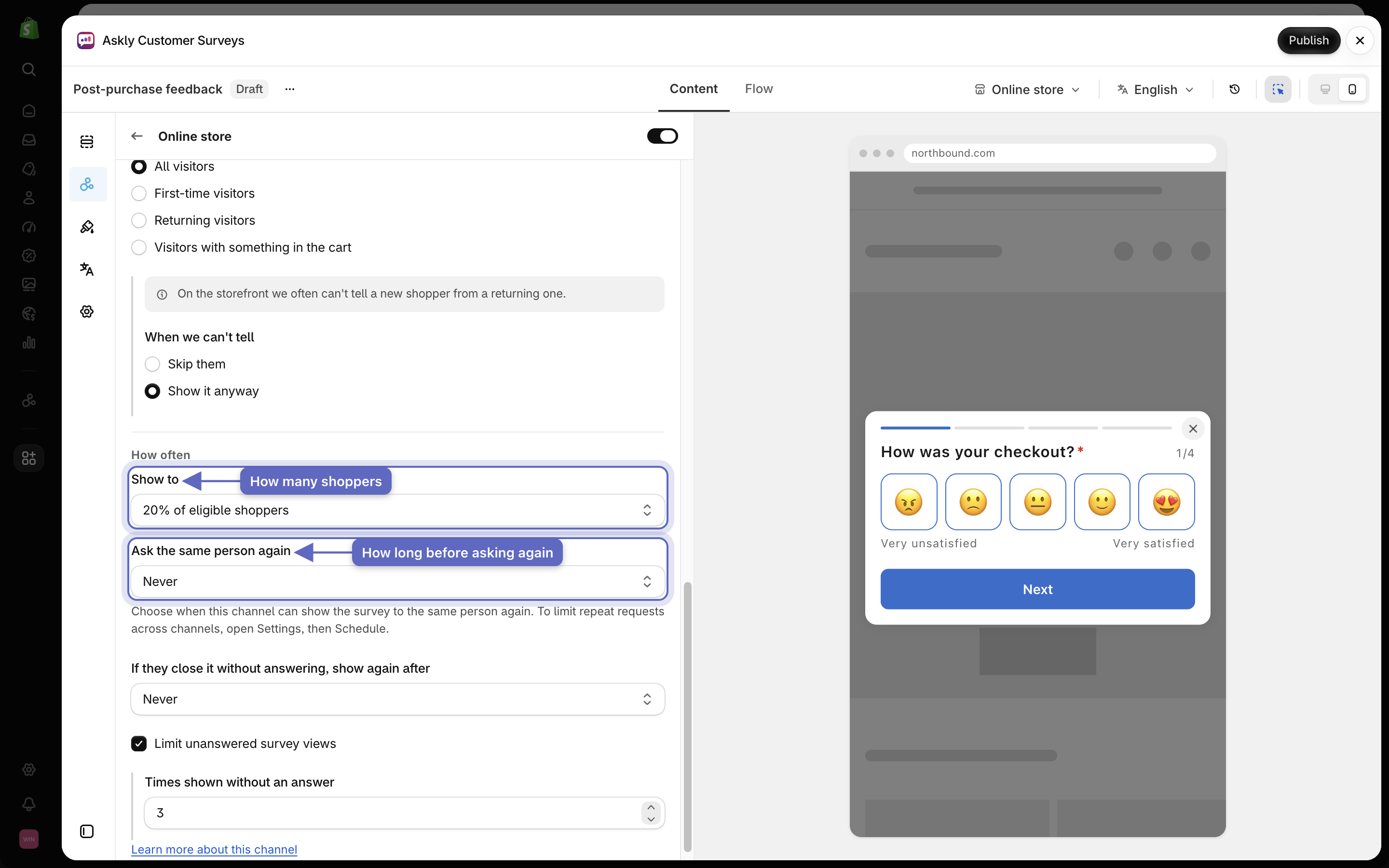
* **Show to** — show the survey to everyone, or only to some shoppers, such as 20%.
* **Ask the same person again** — **Never**, or after 90 or 180 days.
Show to sets how many shoppers see the survey, and Ask the same person again sets how long to wait before asking them again.
## Two surveys in the same place
Only one survey shows at a time. The first one in display order that fits the customer wins. To change the order, see [Pick which survey shows first](/askly-customer-surveys/surveys/manage.md#pick-which-survey-shows-first).
Next: [see survey results](/askly-customer-surveys/results/survey-results.md).