> For the complete documentation index, see [llms.txt](https://docs.globo.io/llms.txt). Markdown versions of documentation pages are available by appending `.md` to page URLs; this page is available as [Markdown](https://docs.globo.io/globo-combined-listings/product-groups/import-export-csv.md).

# Import and export with CSV

## Import

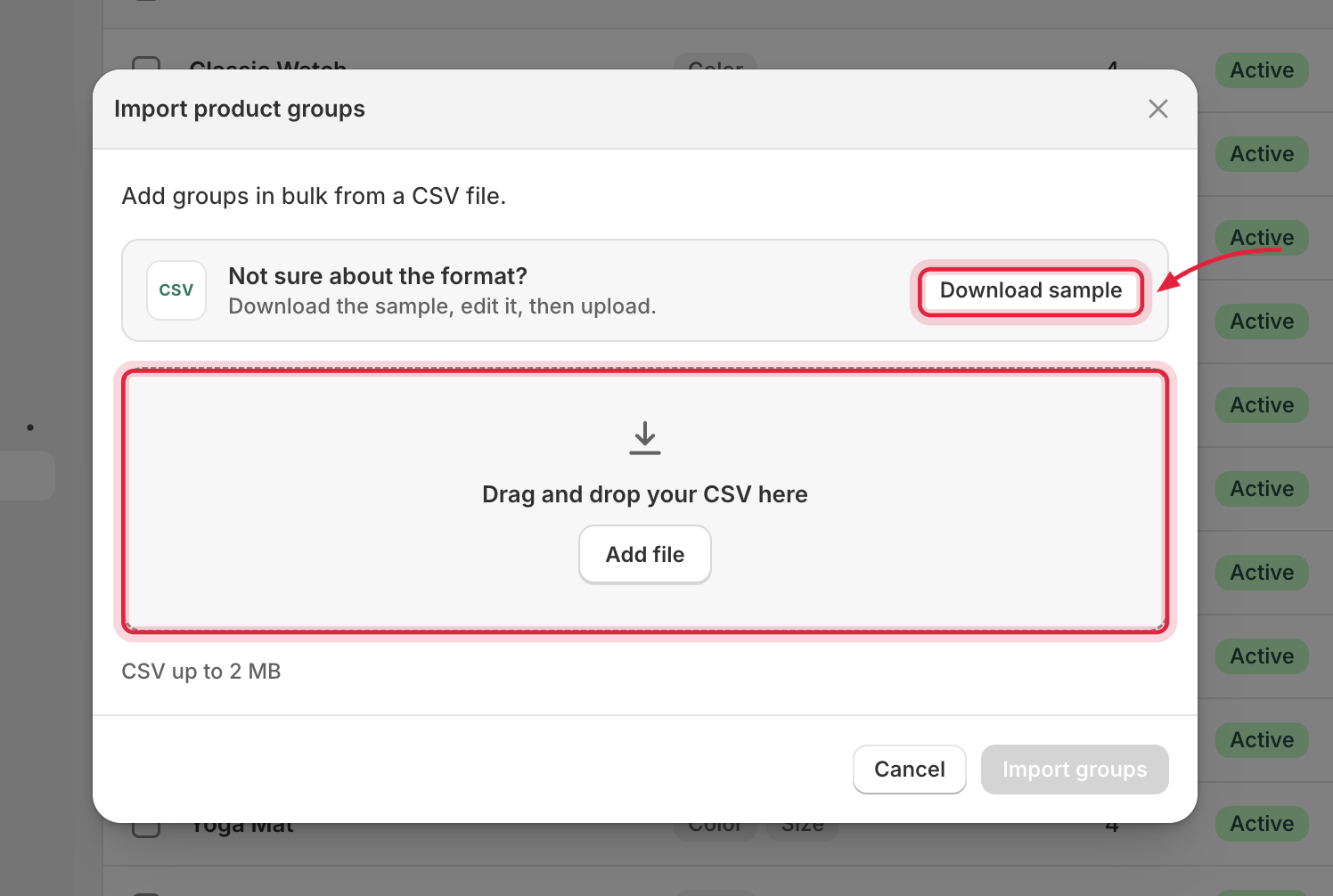
Open **Groups → Import**. Drop a CSV file (up to **2 MB**) and click **Import groups**. A **Download sample** link in the modal gives you a ready-made template.

<figure><img src="/files/etuDMl8cXTc8h3Bytx2q" alt="Import product groups modal with a CSV drop zone"><figcaption><p>Drop a CSV file, or download the sample template to get the format right.</p></figcaption></figure>

### CSV format

One row per linked product. Rows with the same `Group` name become one group.

```csv
Group,Type,Status,Product ID,Option 1,Value 1,Option 2,Value 2
Summer Tee,single_option,active,7012345678901,Color,Red,,
Summer Tee,single_option,active,7012345678902,Color,Blue,,
Hoodie,multiple_options,draft,7012345670001,Color,Black,Size,M
Hoodie,multiple_options,draft,7012345670002,Color,Black,Size,L
```

| Column                  | Required            | Values                                                                                                                                                      |
| ----------------------- | ------------------- | ----------------------------------------------------------------------------------------------------------------------------------------------------------- |
| `Group`                 | ✅                   | Group name. Rows sharing a name are combined into one group.                                                                                                |
| `Type`                  | Optional            | `single_option` or `multiple_options`. Inferred from the number of options when omitted. Single-choice groups (`sub_groups`) are **not** supported via CSV. |
| `Status`                | Optional            | `draft`, `active`, or `archived`. Defaults to `active`.                                                                                                     |
| `Product ID`            | ✅                   | Numeric Shopify product ID (e.g. `7012345678901`) or the full `gid://shopify/Product/…` form.                                                               |
| `Option 1`, `Value 1` … | ✅ at least one pair | Option name + this product's value. Up to **3** option/value pairs.                                                                                         |

### Limits and rules

* Max **1,000 rows**, **50 columns**, **3 options** per group, names up to 255 characters.
* **Create-only:** import always creates new groups; it never updates or overwrites existing ones.
* A product already in a group (or listed under two groups in the same file) fails **that group only** — the rest of the file still imports.
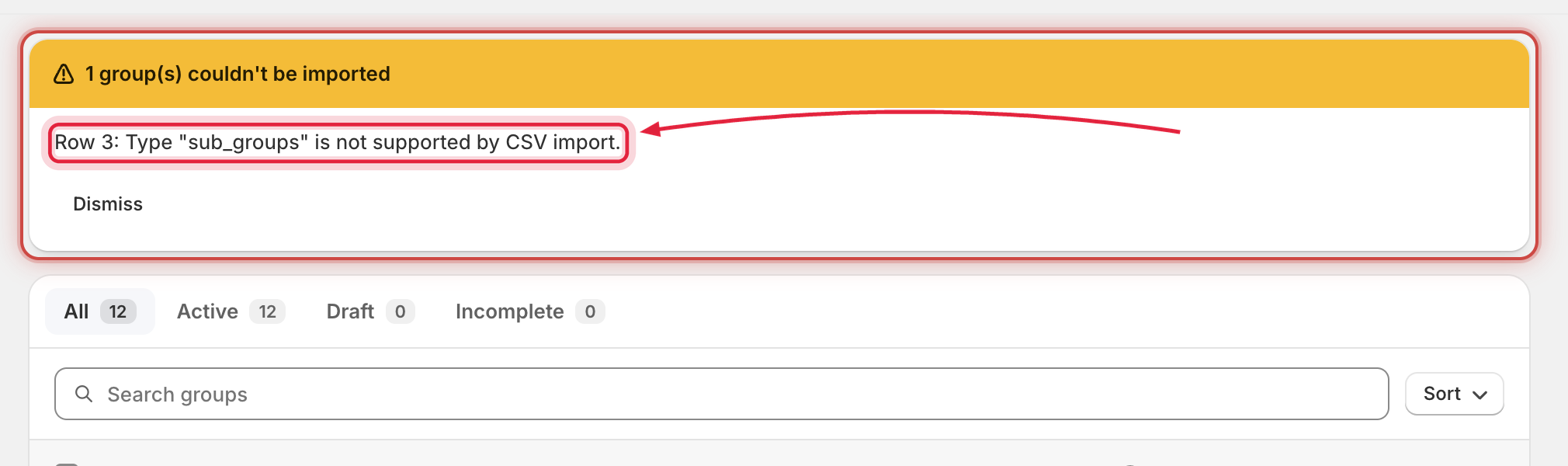
* The result modal reports `imported` / `failed` counts with a per-row error list.

<figure><img src="/files/i0WaBK0d5f6xE6E1p9Ov" alt="Import result banner reporting one group that couldn&#x27;t be imported, with a per-row error message"><figcaption><p>A row using an unsupported type (here, <code>sub_groups</code>) fails on its own — other groups in the same file still import.</p></figcaption></figure>

## Export

Select groups on the index and click **Export** in the bulk bar. The export is a **summary** file:

```csv
Group name,Status,Options,Variants,Linked products,Total products
```

{% hint style="warning" %}
The export format is a report, **not** the import format — an exported file can't be re-imported as-is. Use **Download sample** in the import modal for the import template.
{% endhint %}