> For the complete documentation index, see [llms.txt](https://docs.globo.io/llms.txt). Markdown versions of documentation pages are available by appending `.md` to page URLs; this page is available as [Markdown](https://docs.globo.io/globo-combined-listings/product-groups/manage-groups.md).
# Manage groups
Search, filter, sort, and bulk-edit your product groups from the Groups index.
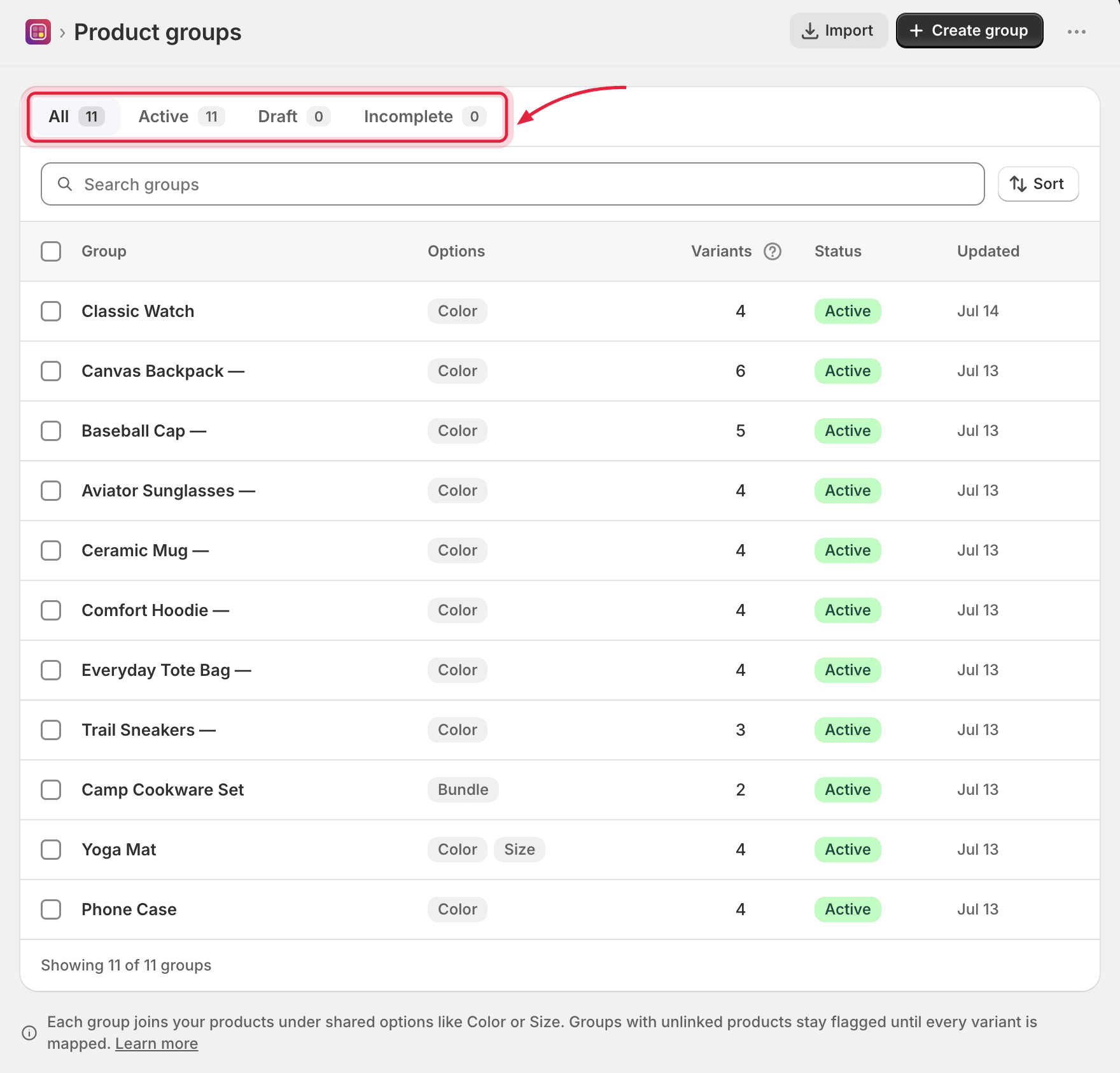
The **Groups** page lists every group with its options, variant count, status, and last update. Variant count is the total across every product linked to that group — not any single product's own variant count.
Every group, with status tabs and search to help you find one fast.
## Tabs and filters
| Tab | Shows |
| -------------- | -------------------------------------------------------------------------------------------------------------------------------------- |
| **All** | Every group. |
| **Active** | Groups live on the storefront. |
| **Draft** | Hidden work-in-progress groups. |
| **Incomplete** | Groups where some variants have [no linked product](/globo-combined-listings/product-groups/product-groups.md#complete-vs-incomplete). |
Each tab shows a live count. Rows with linking problems display warnings such as *"No products linked yet"* or *"3 of 6 products not linked"*.
## Search and sort
* **Search groups** by name.
* Sort by: **Newest**, **Oldest**, **Recently updated**, **Least recently updated**.
## Changing status
* Per group: open it and use **More actions → Set as active / Set as draft**, or delete it.
* In bulk: select rows and use the bulk bar.
## Bulk actions
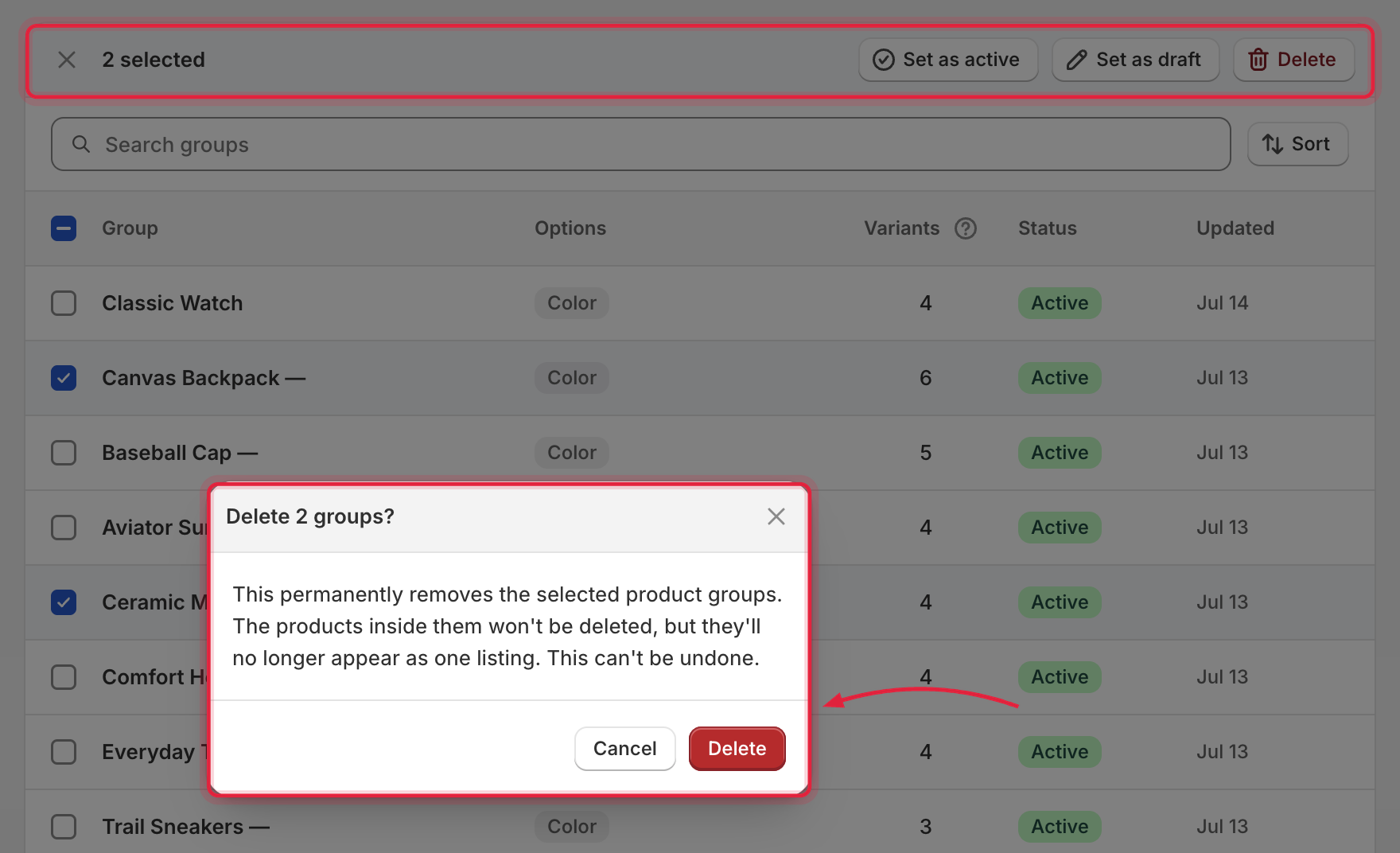
Selecting one or more rows reveals the bulk bar:
* **Set as active** / **Set as draft**
* **Delete** — with confirmation. Deleting a group **never deletes the products** in it; they simply stop being combined. Deletion can't be undone.
Bulk actions include a confirmation step before deleting — products are never touched.
## Toolbar actions
* **Create group** — starts the [type chooser](/globo-combined-listings/product-groups/group-types.md).
* **Import** — opens the [CSV import](/globo-combined-listings/product-groups/import-export-csv.md) modal.