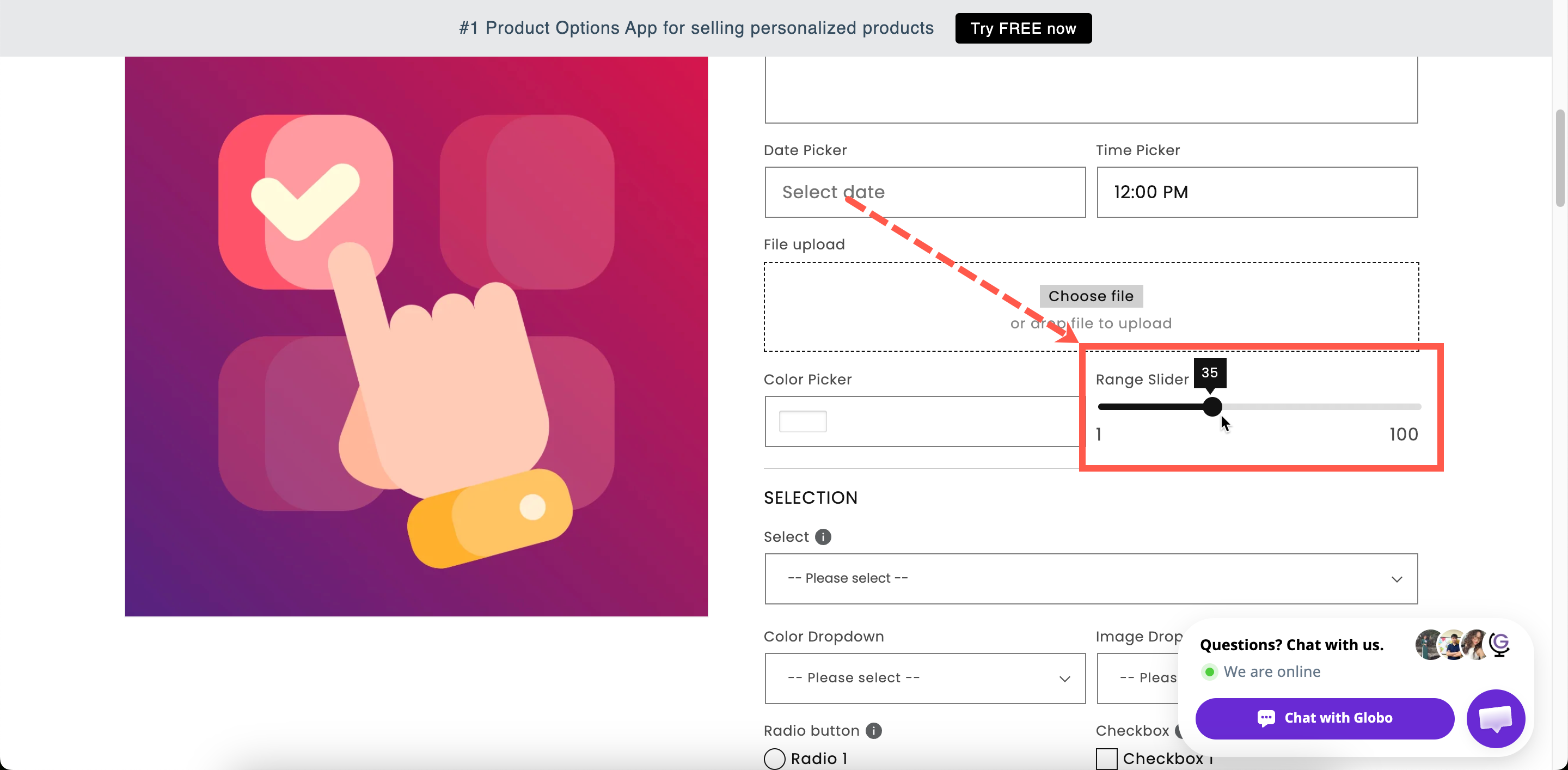
Range slider
A number the customer selects by dragging a slider, within a minimum, maximum, and step you define.
A track the customer drags to select a number. It records the same type of value as a Number field, but uses a different input method.
Use it when the value can be approximate and the range matters more than precision, such as a budget, length, or quantity within a defined range.
What customers see
A slider with the current value displayed and a fixed minimum and maximum. You can add a prefix and a suffix so the value is displayed with its unit.

Basic
Blocks add to cart until a value is set.
Hides the label.
The left end of the track. Starts at 0.
The right end of the track. Starts at 100.
Step
The increment the slider moves in. Starts at 1.
Guidance that stays visible.
Where the handle starts.
Show or hide based on other choices.
Unlike Number, Min value and Max value are required because they define the track length.
Step
Step sets which values the customer can select.
0 / 100
1
0, 1, 2, … 100
0 / 100
5
0, 5, 10, … 100
0 / 10
0.5
0, 0.5, 1, … 10
10 / 240
10
10, 20, 30, … 240
A wide range with a step of 1 is difficult to set precisely on a touch device. Choose a step that matches the precision you need. If you need an exact value, use a Number field instead.
Advanced
Prefix
Fixed text before the value, such as a currency symbol. A plain text field on this type — there is no icon-or-text choice.
Suffix
Fixed text after the value, such as cm or %.
Where the help text sits.
Styling hook and field width.
Add a suffix when the value has a unit. A slider showing 180 cm is clearer than one showing 180.
Add-on pricing and Personalizer
Neither is supported. The slider cannot carry a price and is not displayed in the live preview.
Use Number when the value must set a charge. Its Fixed quantity (by customer) and Dynamic quantity (by customer) modes use the entered number as the add-on quantity. Range slider does not support this.
To calculate a price from two or three measurements, use Dimension, which supports a formula.
Design
The slider colors are set store-wide under Settings > Design: Range slider thumb, Range slider background, and Range slider active background. See Colors.
Examples
Length within a comfortable span
Label / Name
Chain length
Min / Max
40 / 60
Step
2
Default value
45
Suffix
cm
A budget for a bespoke commission
Min value 100, Max value 2000, Step 50, prefix $, help text We will come back to you with options in this range.
Firmness or intensity
Min value 1, Max value 5, Step 1, suffix / 5, no price.
A donation added to the order
Use a Number field instead so the value can set the add-on quantity. A Range slider cannot carry a price.
Notes
Available on the Advanced plan.
Works in Shopify POS.
Cannot carry an add-on price; no Personalizer support.
Both Min value and Max value are required, because they define the track.
Not suitable for precise entry, especially on touch devices. Use Number for exact values.
The selected number is stored in the order without the prefix or suffix.
Last updated
Was this helpful?