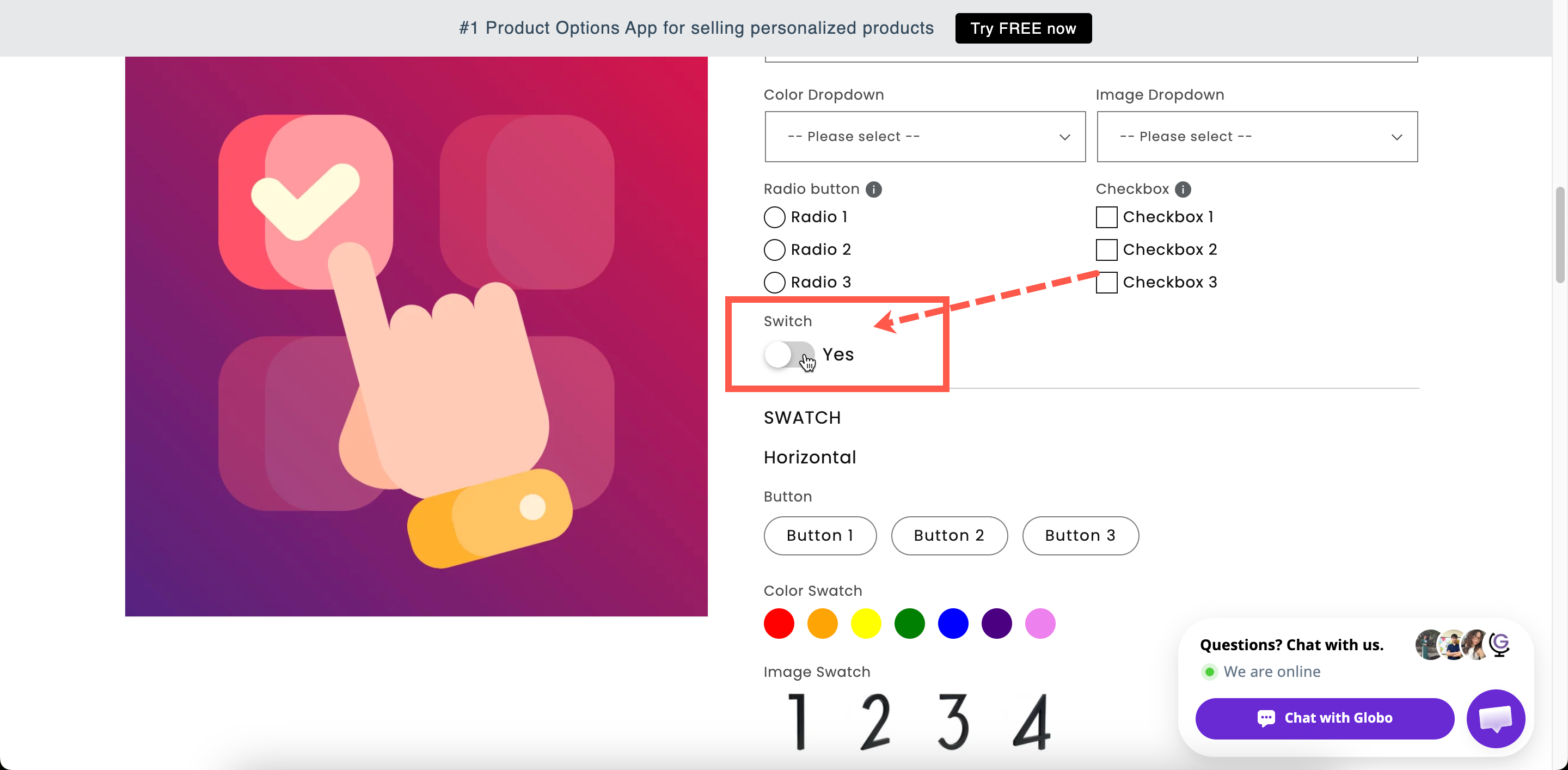
A switch reads as a single decision, which suits one paid extra.
A switch reads as a single decision, which suits one paid extra.
| Setting | What it does |
|---|---|
| Label / Name | Customer-facing text, and the name on the order. |
| Required field | Blocks add to cart unless the switch is on. Rarely what you want — see the note below. |
| Hidden label | Hides the label above the switch. The switch label stays. |
| Selected by default | The switch starts in the on position. Off by default. |
| Switch label | The short text beside the toggle. Starts as Yes. Required. |
| Help text | Guidance that stays visible. |
| Price | The add-on charge when the switch is on. |
| Conditional logic | Show or hide based on other choices. |
| Setting | What it does |
|---|---|
| Add-on quantity / Quantity | How the add-on scales with quantity. |
| Help text position | Where the help text sits. |
| HTML class / Column width | Styling hook and field width. |
| Mode | Use for |
|---|---|
| Existing product | Something you already sell and stock, such as a gift box. |
| New product | Something physical you want to count and stock without building a product by hand. |
| Fixed amount | A service with nothing to stock, such as express production. Not supported on POS. |
| Mode | On an order of three products, with $5.00 |
|---|---|
| Default | $15.00 — one per product |
| One time charge | $5.00 — one for the whole order |
| Fixed quantity with Quantity 2 | $10.00 — always two |
| Switch | Checkbox | |
|---|---|---|
| Number of choices | Exactly one | A list of any length |
| Price lives on | The option | Each value |
| Multiple selection | Not applicable | Built in |
| Swatch style | No | Yes |
| Reads as | A single yes-or-no decision | A menu of extras |
| Setting | Value |
|---|---|
| Label / Name | Gift wrap |
| Switch label | Yes, wrap it |
| Selected by default | Off |
| Price | New product $3.00 |
| Add-on quantity | One time charge |