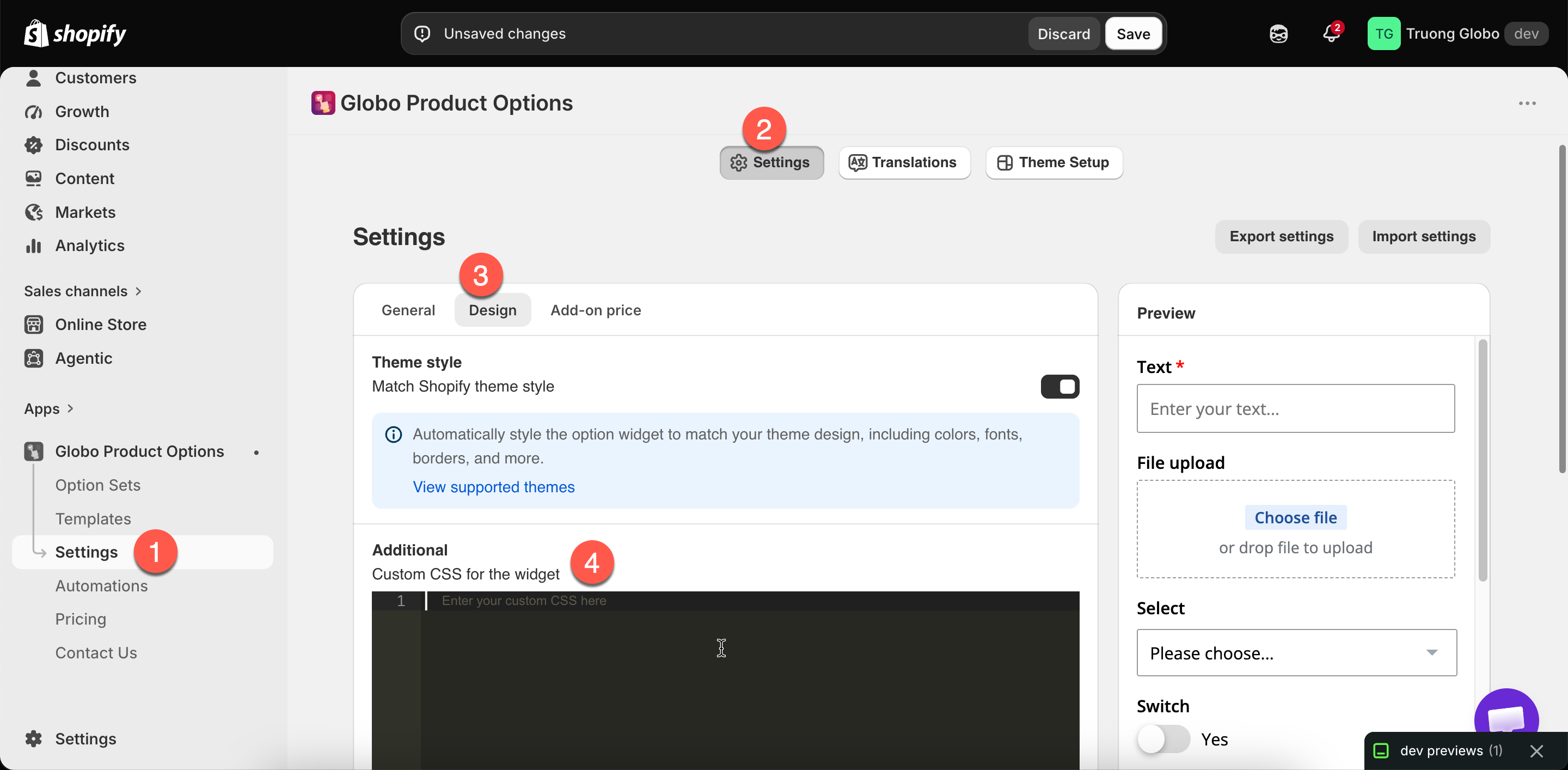
The custom CSS editor, under Additional in Design settings.
The custom CSS editor, under Additional in Design settings.
| You want | Setting |
|---|---|
| The widget to look like your theme | Match theme style |
| Different colors | Colors |
| Different fonts or sizes | Borders and typography |
| Rounder or squarer controls | Border radius, same page |
| Fields side by side | Column width |
| A shorter widget | Limit widget height |
| Options grouped or collapsible | Section |
| Use | Notes |
|---|---|
| Emphasising one important option | A background, a border, more spacing |
| Hiding something in a context no setting covers | Use a class rather than a broad selector |
| Fine spacing adjustments | Where the design settings are too coarse |
| Matching a house style the settings cannot reach | Unusual label placement, custom control shapes |
| Excluding something on one page type | Combine with your theme's own body classes |
| Do | Avoid |
|---|---|
| Target your own HTML class values | Targeting the app's internal class names, which can change |
| Keep rules short and specific | Broad selectors that catch more than you meant |
| Write down why each rule exists, in a comment | An unexplained block nobody dares delete |
| Test after every theme update | Assuming it still works |
| Use relative units and check mobile | Fixed pixel widths |